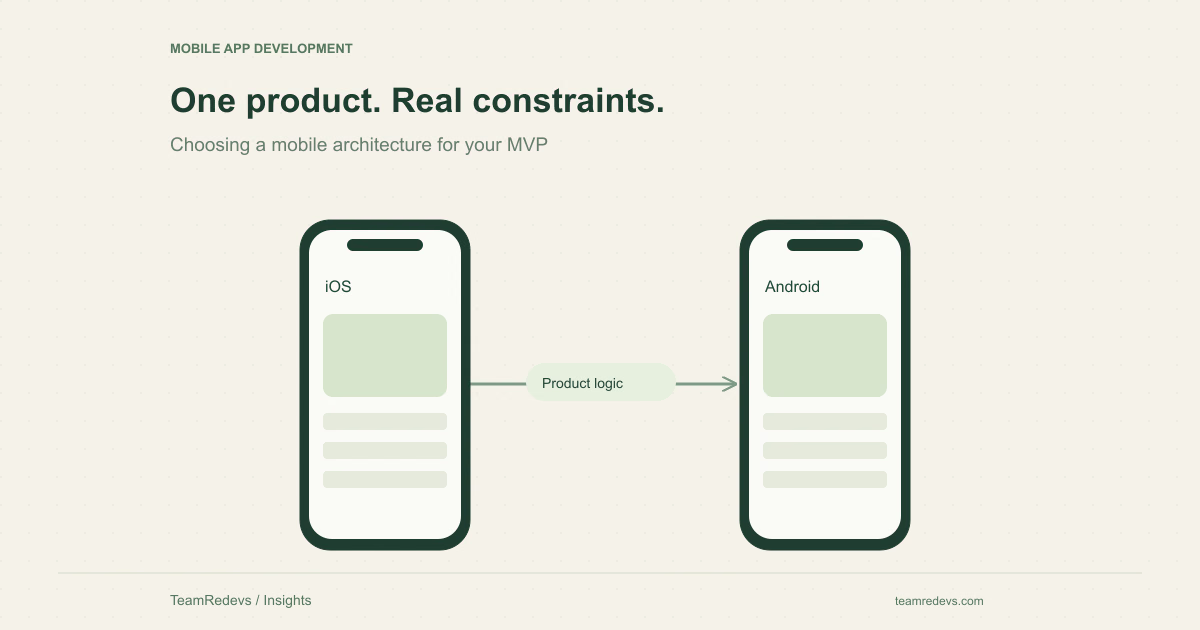
Flutter can be a good fit for an MVP that needs a consistent experience across iOS and Android. Native development can be a better fit when the product depends heavily on platform-specific behavior or device integrations. Neither is automatically cheaper or better. The useful comparison starts with the difficult parts of your particular mobile app, before the team commits to a framework.
Constraint one: the device feature your product cannot lose
List the capabilities that make the app useful: background location, Bluetooth communication, camera capture, local notifications, secure storage, or another device feature. Then identify which one would prevent launch if it behaved unreliably. A simple account screen is rarely the most informative technical prototype.
Flutter provides mechanisms for communicating with platform-specific code, but an integration still needs engineering and testing. The architectural option is not a guarantee that a particular plugin meets your product’s needs. Test the critical behavior on real devices, including permission denial and interruption. Flutter architectural overview
Constraint two: how closely each platform must behave
A shared brand does not require every interaction to be identical. Navigation conventions, keyboard behavior, accessibility settings, and system permission prompts can differ between platforms. Decide which parts should express the brand and which should follow the device’s familiar behavior.
For example, a booking app might share its availability layout and business rules across platforms, while respecting platform behavior for date selection, navigation, and notifications. Review the experience with people who regularly use each platform rather than judging both versions from one person’s phone.
Constraint three: the team that will maintain it
Ask who will diagnose a crash, update dependencies, adapt an integration, and ship a store release after the first launch. A shared codebase can reduce duplication, but it does not remove platform-specific work. Two native apps can offer direct control, but the team must be able to maintain both implementations.
Assess the available skills and support arrangement together. A framework decision that suits the launch team but leaves the ongoing team unable to operate the product creates a handover problem. Document the build process, credentials ownership, and release responsibilities before they become urgent.
Constraint four: what happens without a reliable connection
Consider a field-service app recording work at a customer location. The interface may need to save a draft without connectivity, show what has synchronized, and handle conflicting updates when the connection returns. Those are product and data-model decisions; changing the UI framework does not decide them.
Write down which actions require connectivity, which can wait, and which must never be repeated. Test an interrupted upload or submission while the app is backgrounded. Give users an honest status and a recovery action rather than a success message before the server has confirmed the result.
- Can the user read previously loaded information offline?
- Where are unfinished changes stored?
- How are queued actions retried without creating duplicates?
- How does the user recognize an unresolved sync conflict?
Constraint five: release and support obligations
A mobile MVP still needs a supported-device policy, an accessible core journey, error reporting, and a release process. Decide who handles store submissions and how the team will respond if an operating-system update affects an essential feature. Include backend compatibility so an app update does not unexpectedly break older installed versions.
Use a release rehearsal as an acceptance milestone: build the app from the documented instructions, install it on supported devices, and complete the main journey against a test environment. This exposes missing ownership and configuration earlier than a polished demo alone.
Make the decision with a focused prototype
Prototype the highest-risk capability first, then compare the implementation effort, usability, and ongoing maintenance implications. Record why the chosen approach fits the product today and which changes could trigger a review later. This creates a defensible decision without claiming that one framework is universally best.
TeamRedevs’ mobile app development service includes app architecture, interface implementation, testing, and release preparation. Bring your target users, essential device features, and supported-platform requirements to the discussion. Explore mobile app development
Before choosing a stack, it can help to narrow the release to one complete user journey. Our guide to product discovery and MVP scope
Apply this to your product
Start with one user journey or integration in your current product. Document the expected behavior, review the linked source material, and agree on the checks needed before release. The right implementation depends on your existing architecture and operational requirements.
Further reading
MORE FROM OUR TEAM
Related Engineering Insights
Cloud-Native Application Modernisation in India: A Practical Guide for Growing Businesses
Plan cloud-native modernisation with a practical guide to modular architecture, APIs, observability, security and phased migration for Indian businesses.
Custom Logistics Software for Nagpur Businesses: Fleet, Warehouse and Supply Chain Management
Explore custom logistics software for Nagpur businesses, from fleet and warehouse workflows to shipment tracking, integrations and operational dashboards.
Hotel Website Development in Jaipur: Direct Booking Platforms, Guest Experience and Digital Growth
Learn how Jaipur hotels and hospitality businesses can improve direct bookings with fast websites, booking journeys, CRM integrations and mobile-first UX.