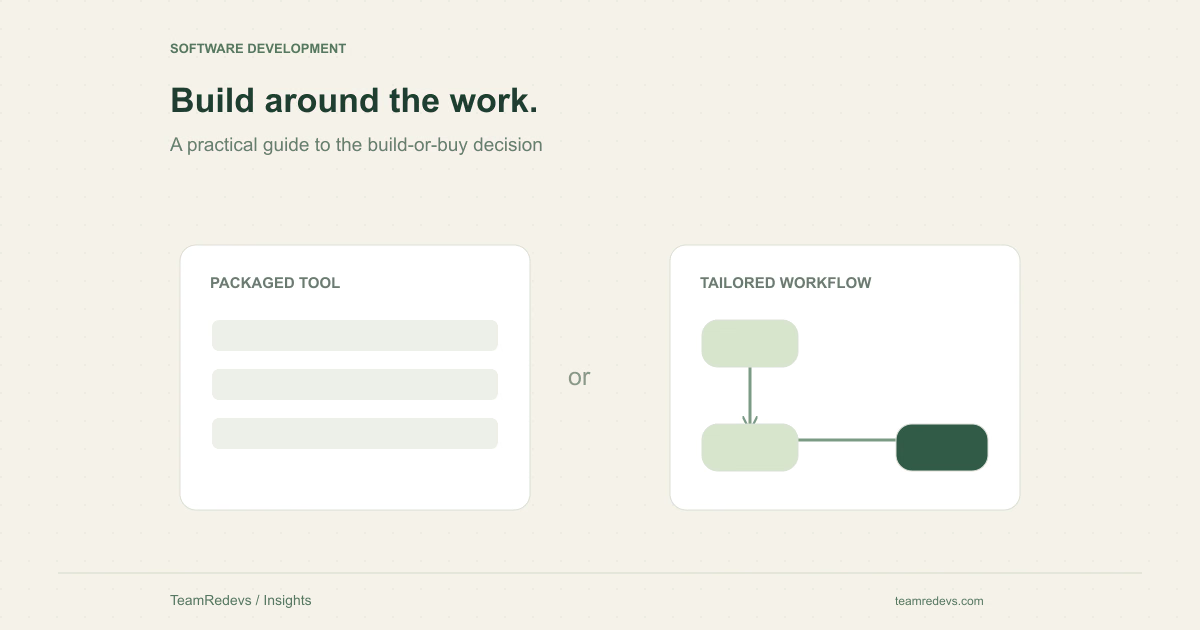
Custom software development makes sense when a business-critical workflow cannot be served well enough by an existing product. Off-the-shelf software makes sense when a standard tool meets the need and the team can accept its constraints. The difficult cases sit between those two positions. This guide offers a way to compare the options before committing to a large build or an awkward long-term subscription.
Start with the workflow that creates the friction
Describe a real task from beginning to end. For example, a service company might receive a request, check staff availability, prepare an estimate, collect approval, and schedule work. Write down who handles each step, which system holds the record, and where someone copies information manually. This reveals whether the problem is missing software, a disconnected integration, or an unclear operating process.
A useful requirement is specific enough to test: a coordinator can reschedule an approved job without losing its estimate history. A vague requirement such as an all-in-one dashboard leaves both buyers and developers guessing. Decide which tasks are essential before comparing vendor feature lists.
Compare three options, including a hybrid
The choice is rarely limited to buying everything or building everything. A hybrid can retain a standard billing or identity service while adding a small custom application around the workflow that differentiates the business. This approach can reduce the amount of software your team must own, provided the integrations are reliable and the boundaries are clear.
Use the same representative task to evaluate a packaged product, a configurable product with integrations, and a custom solution. Record both successful steps and workarounds. A long feature list is less informative than watching the people who will use the system complete the actual task.
- Buy when the workflow is standard and the available product fits well.
- Configure or integrate when a standard core works but handoffs create friction.
- Build when essential workflow rules, control, or product differentiation require it.
Make ownership costs visible before asking for a quote
A fair comparison includes more than subscription fees versus an initial development estimate. For a purchased tool, consider onboarding, configuration, integration maintenance, migration, and the work users do outside the product. For a custom system, include discovery, development, hosting, monitoring, upgrades, support, and the time needed to maintain business rules.
Avoid an invented universal price or delivery timeline. A small internal approval tool and a customer-facing multi-account platform have different obligations. Ask suppliers to explain assumptions, exclusions, and ongoing responsibilities so the comparison reflects the same scope.
Test data portability and integration boundaries
Check how records enter and leave the system. An export is only useful if it includes the relationships and history your team needs. Ask what happens to attachments, audit records, user permissions, and external identifiers. When an integration fails, someone should know which system owns the record and how to reconcile it.
For a custom build, agree who controls the repository, deployment accounts, domain, and documentation. For a packaged service, test the relevant API and export path before relying on them. Ownership should be understandable without requiring the original vendor to explain every operational step.
Use a small decision worksheet
Give each option a short assessment against the same criteria. Mark a criterion as essential, important, or optional before scoring it. A product that fails an essential requirement should not win merely because it has many optional features. Keep the notes and evidence beside each score.
- Workflow fit: can the team complete its three most important tasks?
- Integration fit: can required data move reliably between systems?
- Operational ownership: who handles failures, permissions, and updates?
- Change tolerance: what happens when the workflow changes next quarter?
- Exit path: can the business retrieve and use its data elsewhere?
Scope the smallest useful custom release
If custom development is justified, start with one complete workflow and a clear acceptance test. In the scheduling example, that might include request intake, coordinator approval, a confirmed appointment, and a visible change history. Leave unrelated reporting or advanced automation for a later decision. A narrow release can still be operationally complete.
TeamRedevs’ software development service covers discovery, implementation, integrations, deployment, and maintenance planning. Bring a workflow example and the constraints you already know; those details are more useful than a speculative screen count. Explore custom software development
If you have not yet agreed which workflow matters most, begin with the discovery questions in our product strategy guide. How to turn a business goal into an MVP roadmap
Apply this to your product
Start with one user journey or integration in your current product. Document the expected behavior, review the linked source material, and agree on the checks needed before release. The right implementation depends on your existing architecture and operational requirements.
Further reading
MORE FROM OUR TEAM
Related Engineering Insights
Cloud-Native Application Modernisation in India: A Practical Guide for Growing Businesses
Plan cloud-native modernisation with a practical guide to modular architecture, APIs, observability, security and phased migration for Indian businesses.
Custom Logistics Software for Nagpur Businesses: Fleet, Warehouse and Supply Chain Management
Explore custom logistics software for Nagpur businesses, from fleet and warehouse workflows to shipment tracking, integrations and operational dashboards.
Hotel Website Development in Jaipur: Direct Booking Platforms, Guest Experience and Digital Growth
Learn how Jaipur hotels and hospitality businesses can improve direct bookings with fast websites, booking journeys, CRM integrations and mobile-first UX.